
Turn an Approved Slide Deck into a Medical Learning Module
An approved slide deck gives Medical Affairs teams a reviewed starting point. To turn it into a medical learning module, decide what the learner should be able to do, then arrange the relevant evidence around that task.
Choose one action the deck can teach
Start with the audience's next decision. Instead of asking learners to remember every slide, select a focused action such as identifying which conclusion a study summary supports. CDC's training guidance connects learning objectives with relevant content, assessment and feedback.1 Use that alignment to decide which slides belong in the lesson.
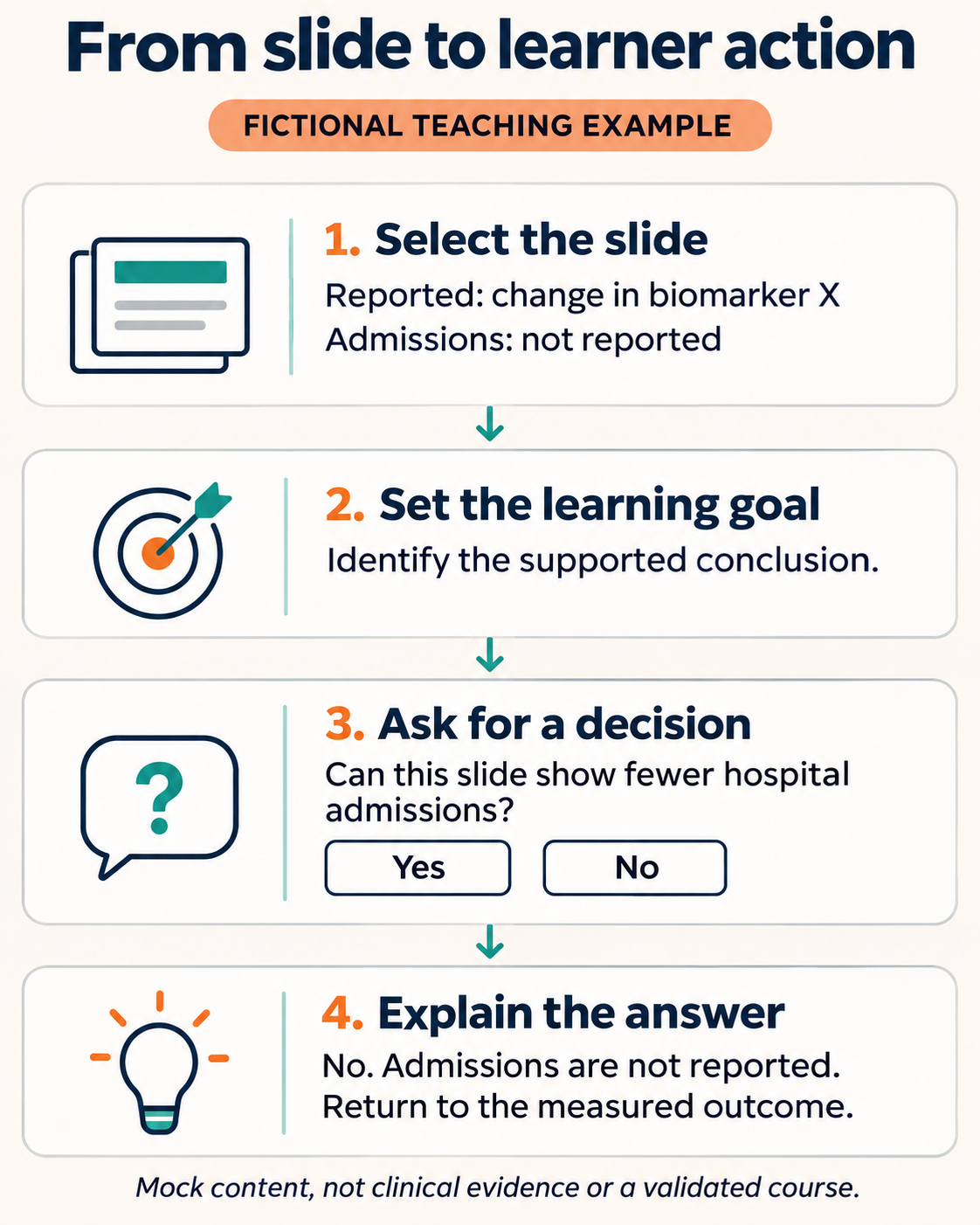
Turn the slide into a decision
In the example, the learner uses the slide rather than simply viewing it. Ask whether it shows fewer hospital admissions, then explain the answer: admissions were not reported. Keep the supporting source location beside the storyboard entry so a reviewer can check both the question and its feedback.
Build the sequence around that decision
Introduce the relevant evidence, let the learner respond, then explain the reasoning. Check that the words, visuals and answer options preserve the source's qualifiers. A reviewed deck remains the starting material; the new assessment and learning sequence also need review.
Use the medical e-learning storyboard template to record each screen, learner action, source and review decision. Bionidi supports medical e-learning content creation from supplied publications and approved materials. Bring your deck and learning goal to a demonstration to explore that workflow.
Source: CDC, Quality Training Standards, updated 1 October 2026, accessed 20 November 2026. Applied here as design guidance, without a claim of CDC accreditation. Cover and diagram are generated illustrations.